Procedure
-
Developers log in to the Zoom Marketplace and use the standard procedure to create or update an app.
-
In the left navigation pane, select Custom Form, and then design the configuration experience.
-
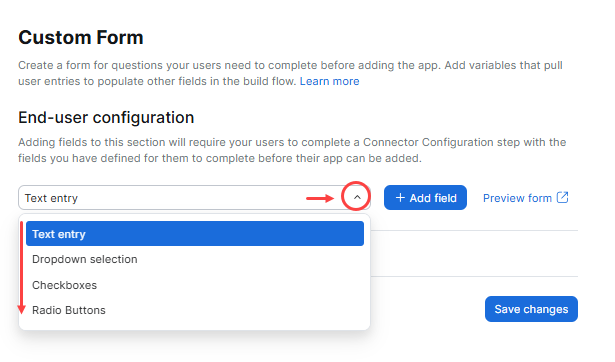
Select the type of field you want and then click Add field.
-
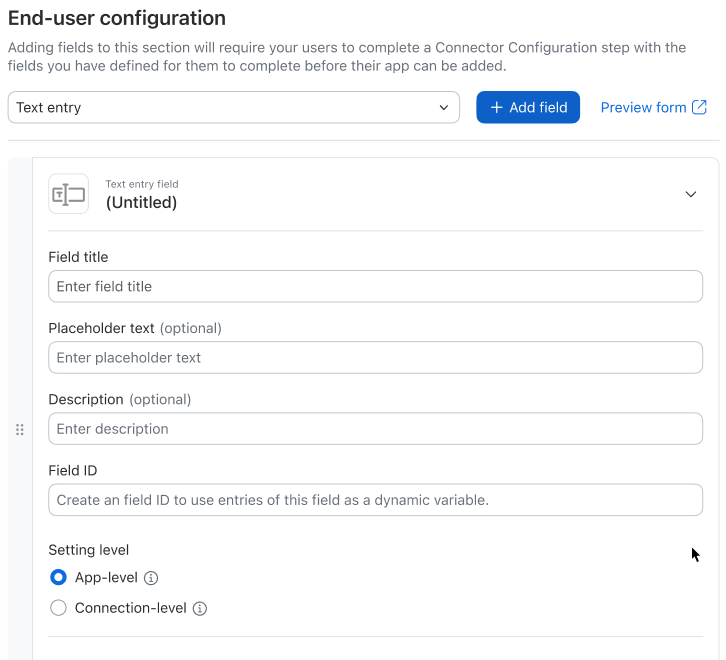
Define the details for the custom field.
-
Select whether the field is at the app-level or connection-level.
-
Select whether the fields are pre-auth (needed before authorization) or post-auth (needed after authorization).
Example: you might need an API key (pre-auth, app-level) or a specific report ID (post-auth, connection-level) after the user has connected their account.
-
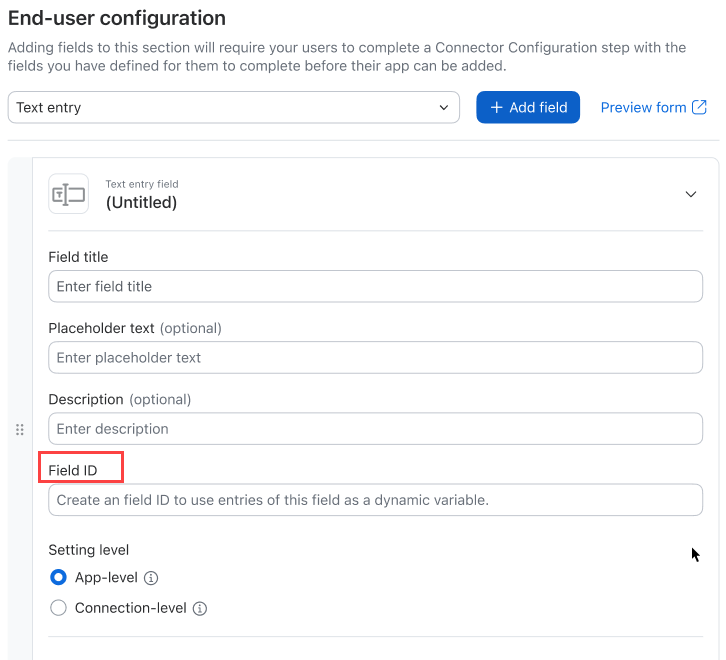
Define the field ID. Each custom field must have a unique ID. You can use this ID as a variable within certain parts of your app's build flow. The Zoom platform replaces this variable with the value provided by the end-user during installation or runtime.
-